BatChat Download Guide
Choose the guide for your phone. After installation, open BatChat and search for the support ID below.
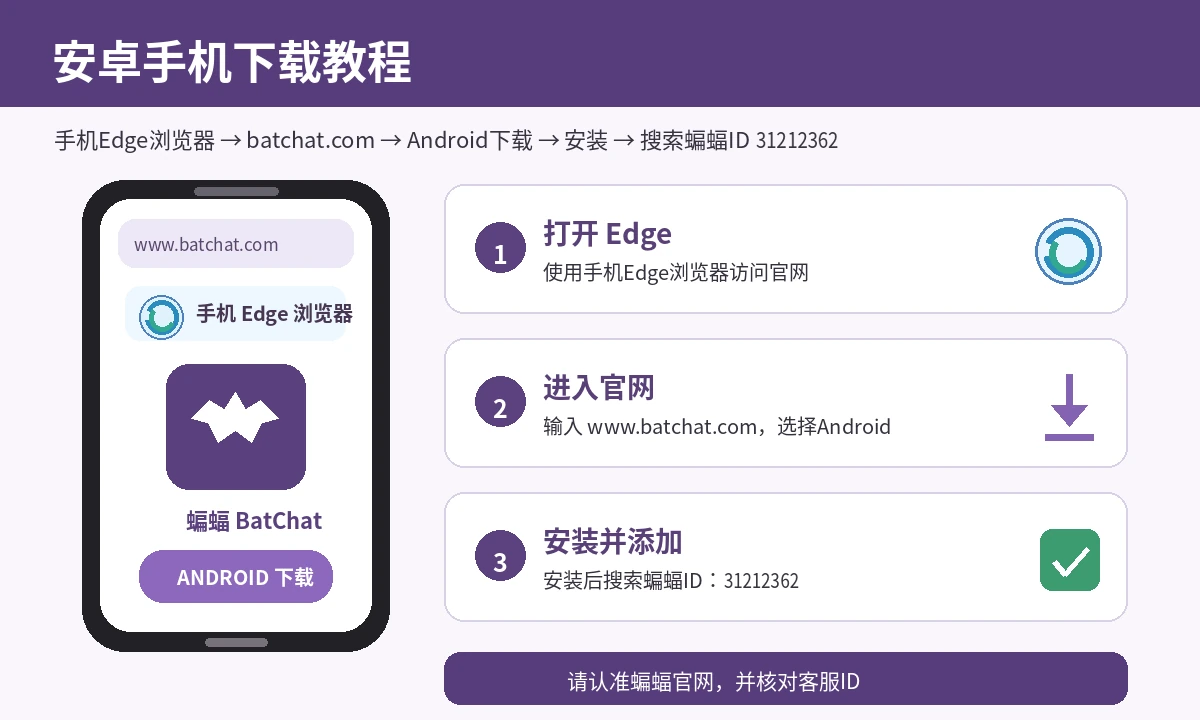
ANDROIDAndroid Download Guide
- Open the official BatChat download page in Microsoft Edge on your phone.
- Select the Android version and download the installation file.
- If a security prompt appears, follow the phone instructions to allow this installation.
- Open BatChat, register or sign in, and search for Bat ID 8880018.
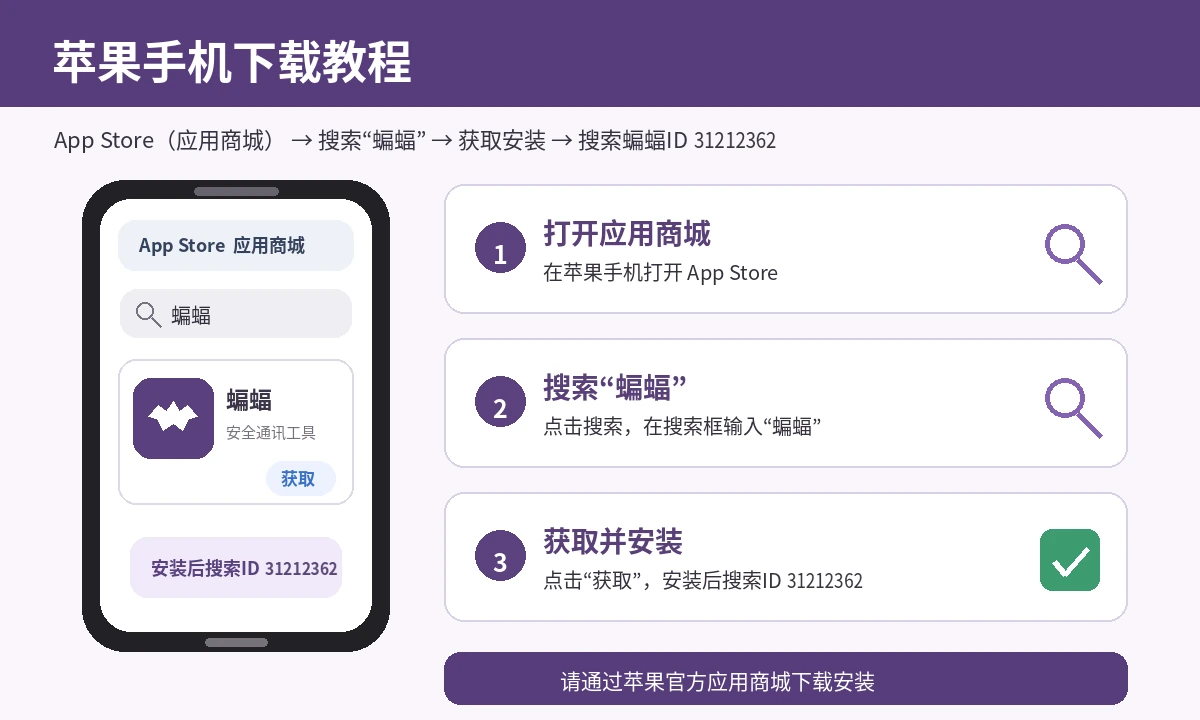
iPHONEiPhone Download Guide
- Open the App Store on your iPhone.
- Tap Search and enter “BatChat” or “蝙蝠” in the search field.
- Find the BatChat app and tap Get to download and install it.
- Open BatChat, register or sign in, and search for Bat ID 8880018.
Safety note: Download only from the BatChat official website or your phone's official app store. Contact online support if the page cannot open or installation fails.